
Everything you owe, in one list
Tasks assigned to you in Teams show up here automatically, right alongside your own personal items—so there’s one list to check, not a personal list plus a separate team inbox to remember.
Checklist makes personal and team-assigned work easier to see, prioritise, and complete—without losing the practical details inside the process.
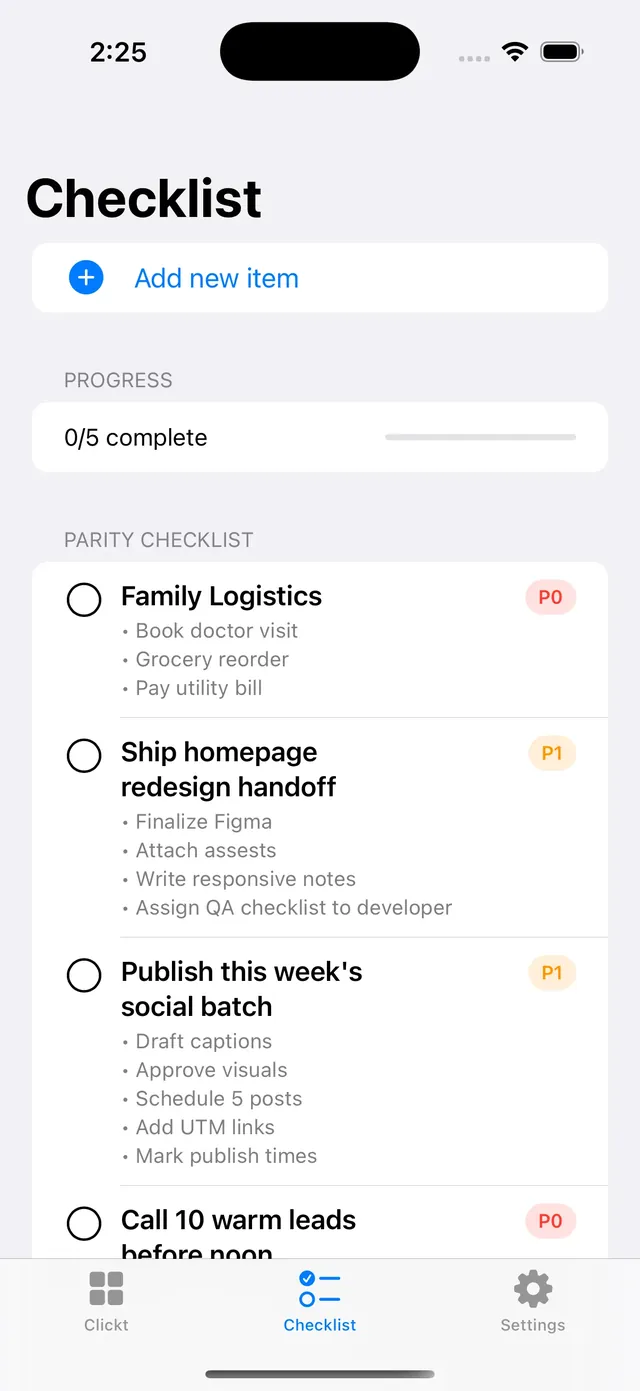
A recurring checklist finishes, then returns next cycle with the same steps every time. Try it.
A reminder 15 minutes before it is due, then every 3 hours while it is still open. Follow-ups wait out quiet hours and arrive in one 08:00 digest.
Use the amount of structure the work needs—from one clear next action to a repeatable process with sub-items and a visible deadline.
Tasks assigned to you in Teams show up here automatically, right alongside your own personal items—so there’s one list to check, not a personal list plus a separate team inbox to remember.
Use priorities, deadlines, daily/weekly/monthly recurrence, and sub-items when a task needs more than a title.
Filter and reorder items to focus on what is due, what matters most, and what should happen next.
Attach a PDF, Word doc, text, or CSV file in ClicktAI and it drafts a checklist from it, so you are not retyping a document line by line. Track completion progress as you go.
Any item with a deadline gets a reminder 15 minutes before it’s due, then a follow-up every 3 hours while it’s still open. Mark it done, and the reminders stop—no separate app to check, no forgetting something because it scrolled out of view.
Whether the list is yours or shared with a team, the workflow stays focused on a practical next step and a clear completion state.
Start a checklist item directly, receive a team-assigned item, or bring an existing list into the workspace.
Add a priority, due date, recurrence, or sub-items when the work needs a reliable process.
Filter and reorder the work so today’s attention is on the most relevant items.
Complete items and use progress to see what is done, what remains, and what recurs next.
You do not need to already know the steps. Describe the goal and ClicktAI drafts a full checklist for it—even for something you have never done before. It also remembers your recent conversation, so it can build a new checklist off a previous one instead of starting blank each time.
I’ve never run a product launch before—what should I check before we go live?
Review the proposal before any checklist items are saved.
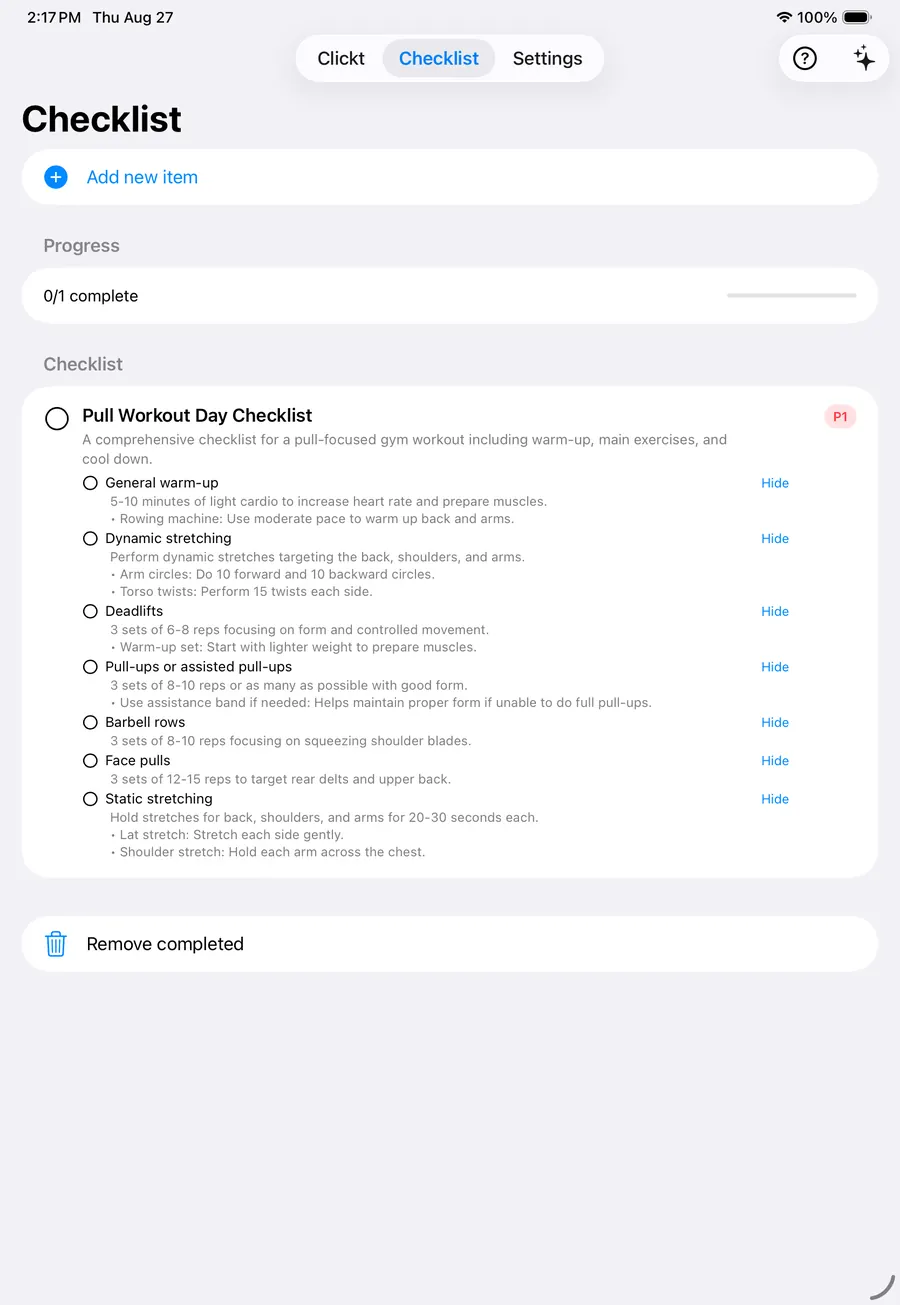
Use Checklist for routines, follow-ups, and detailed work that is easy to overlook when it only lives in a message or someone’s memory.
Checklist keeps the repeated steps clear. Teams, Builder, and Presentation help carry ownership, evidence, and updates further.
Assign people and keep the surrounding activity in one team context.
Explore Teams BuilderPrepare an analysis when the routine also needs evidence or reporting.
Explore Builder PresentationTurn progress and insight into a story people can review together.
Explore PresentationChecklist is in Clickt on iPhone, iPad and Mac, with Android in private testing.