
Works across modules
One request can connect work that would otherwise be rebuilt separately in Teams, Checklist, Builder, and Presentation.
ClicktAI prepares useful work across your workspace—plans, tasks, checklists, charts, and presentations—then leaves the final decision with you.
Connect your own OpenAI, Anthropic, Google Gemini, or NVIDIA API key—your key, your usage, your quota.
Plan our Dashain sale launch. Assign the team, build the checklist, chart last year’s sales and draft the leadership update.
Nothing is applied until you approve.
One request can connect work that would otherwise be rebuilt separately in Teams, Checklist, Builder, and Presentation.
See the intended work before it is created, with a clear distinction between a draft and an applied change.
ClicktAI is designed to assist the decision, not quietly make it for you.
Use the same deliberate sequence whether you are preparing a small task or an organization-wide plan.
Describe what needs to happen in everyday language.
ClicktAI drafts a proposal in the right module.
Check the proposed owners, steps, data, or story.
Approve only the work you want in your workspace.
Teams, Checklist, Builder and Presentation each have a copilot that knows the module it lives in, and the ClicktAI assistant on the home screen works across all of them.
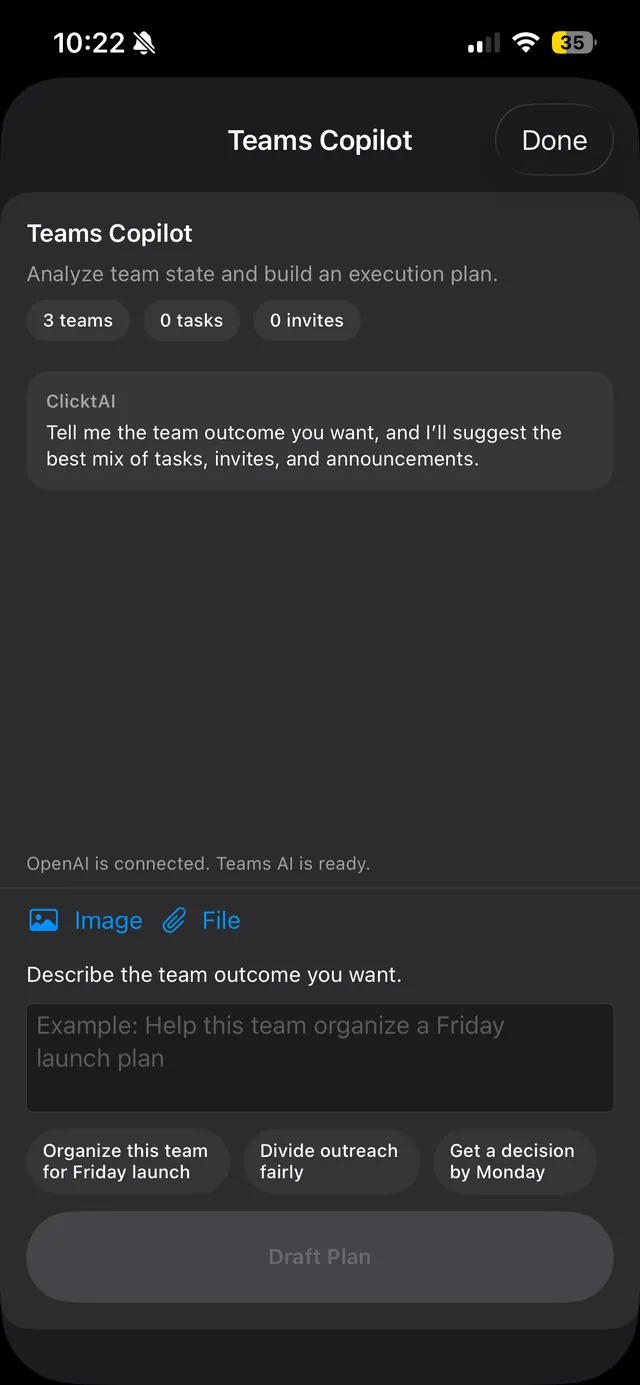
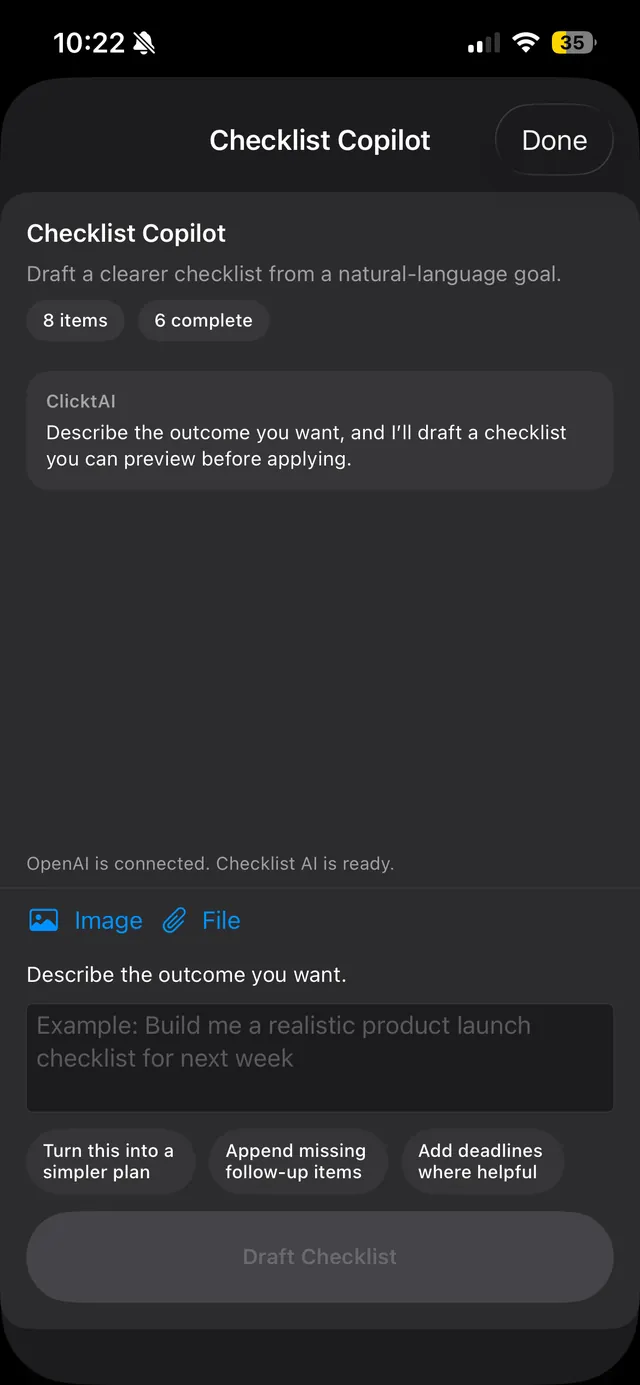
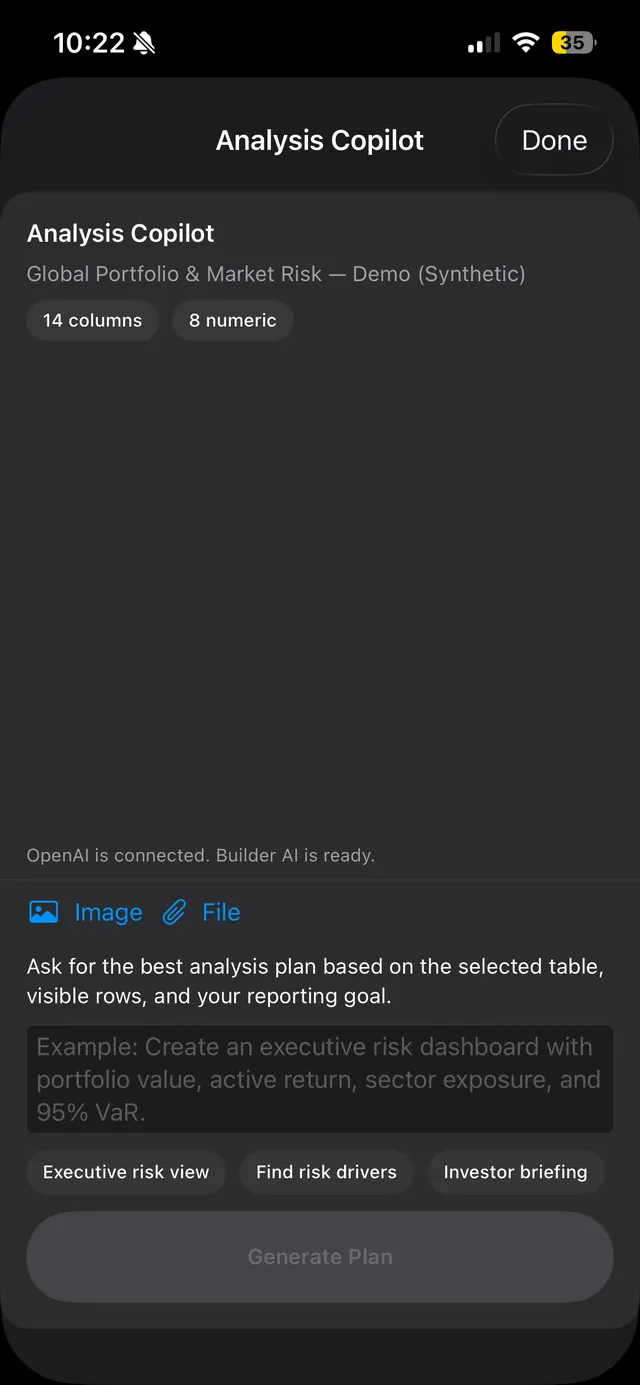
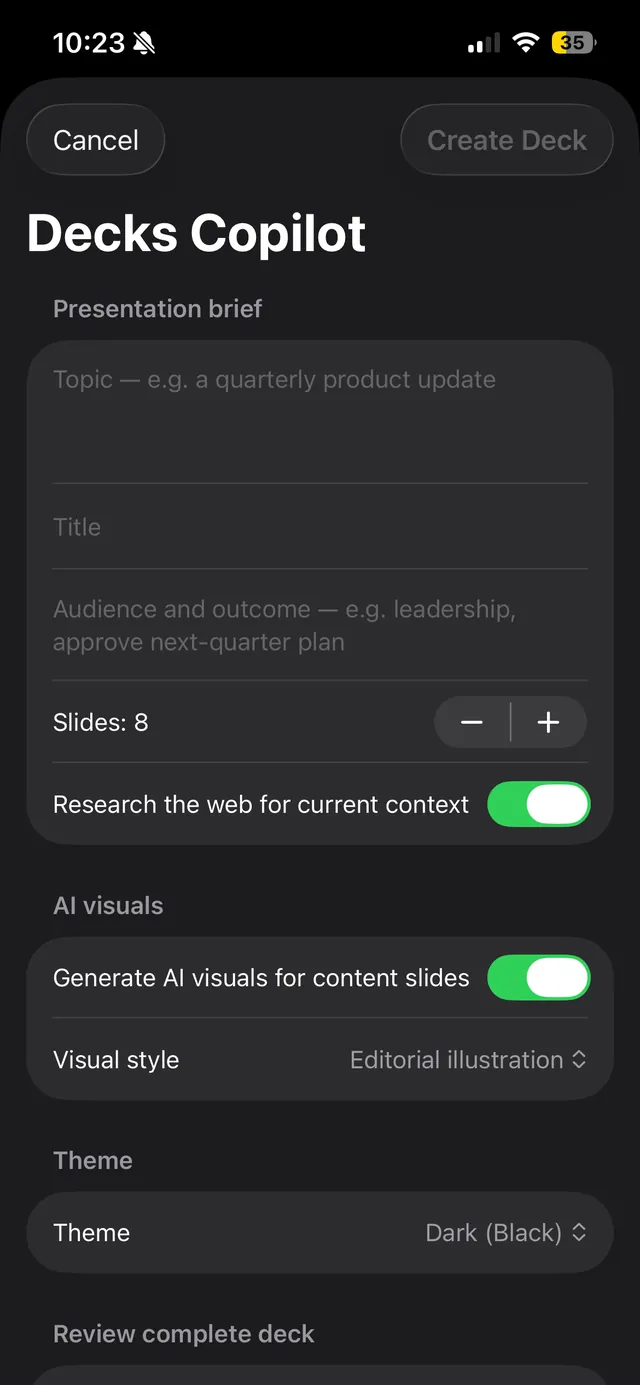
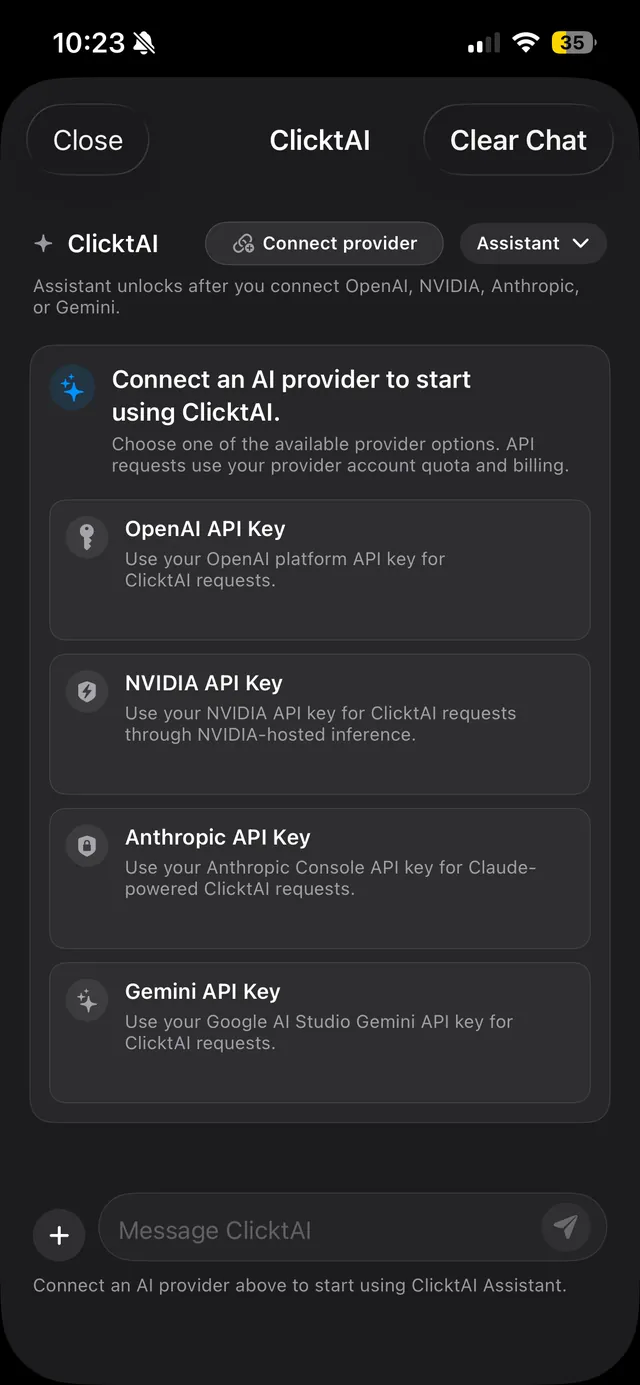
ClicktAI is built to assist the decision, not make it. Every change is previewed first, unsupported requests get a clear no, and unclear ones get a question.
Add a task for Sam: order the banners.
Book me a flight to Pokhara.
I can’t book flights. ClicktAI only works inside Teams, Checklist, Builder and Presentation.
Here is what I can do:
Want me to start one of these?
Assign the venue task to Sam.
Two teams are called “Launch”. Which one do you mean?
Try it — tap through.
Connect the provider you already use. ClicktAI works with your own key, and usage is billed to your own account.
sk-••••••••••••••••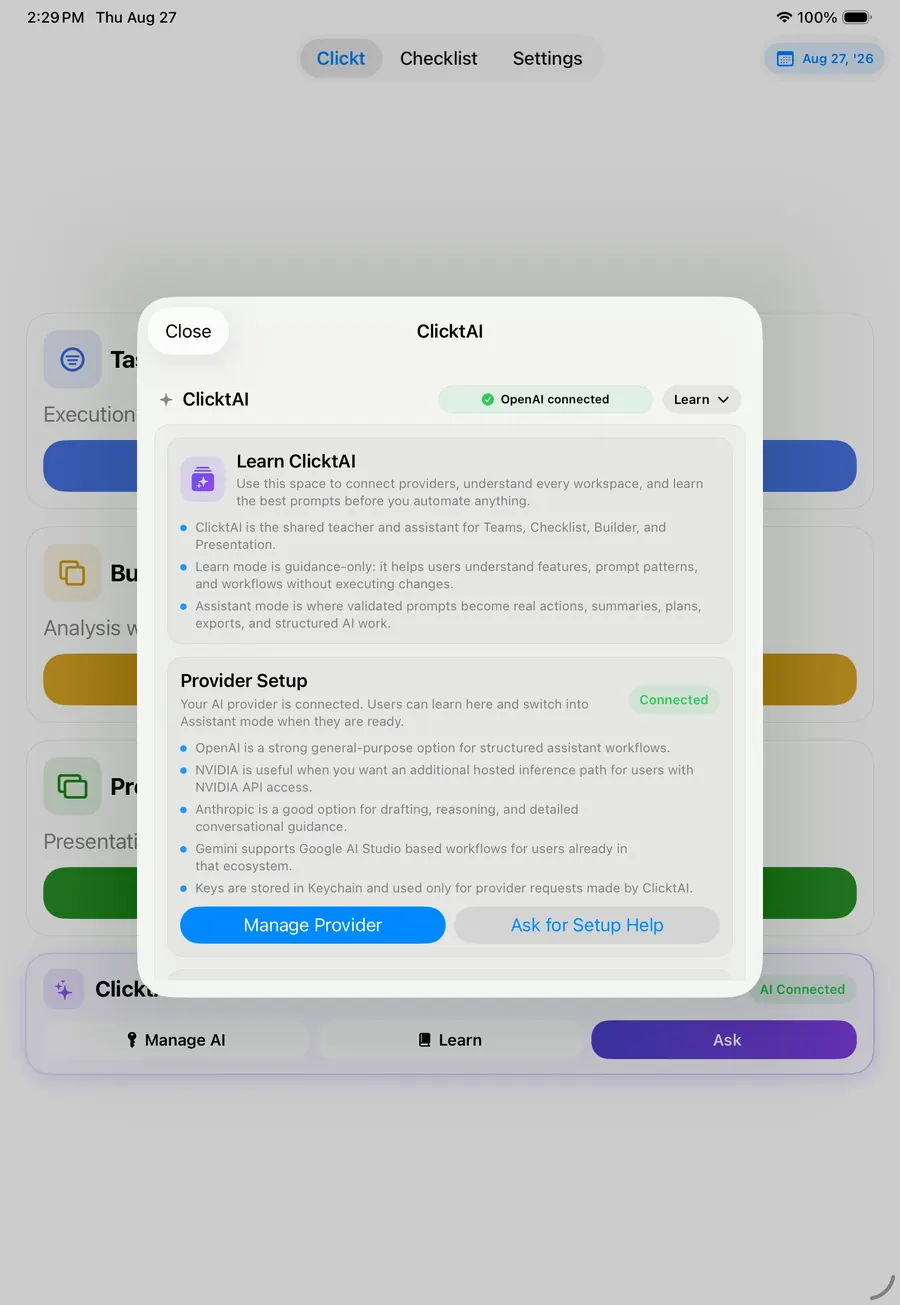
Ask for a launch plan, then review a draft with tasks for the team, a repeatable checklist, a metrics view, and a presentation outline. The proposal makes a cross-functional request concrete without removing your judgment.
ClicktAI is inside Clickt on iPhone, iPad and Mac, with Android in private testing.