Ownership, out in the open.
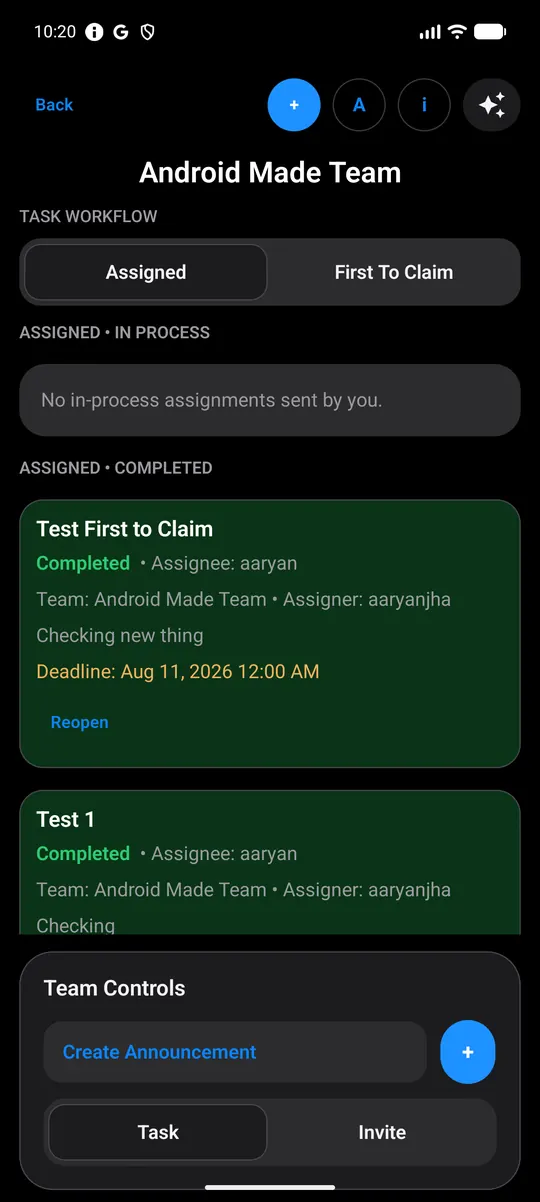
Direct tasks, claimable tasks, decisions and announcements. Each one has an owner and a status the whole team can see.
Explore Teams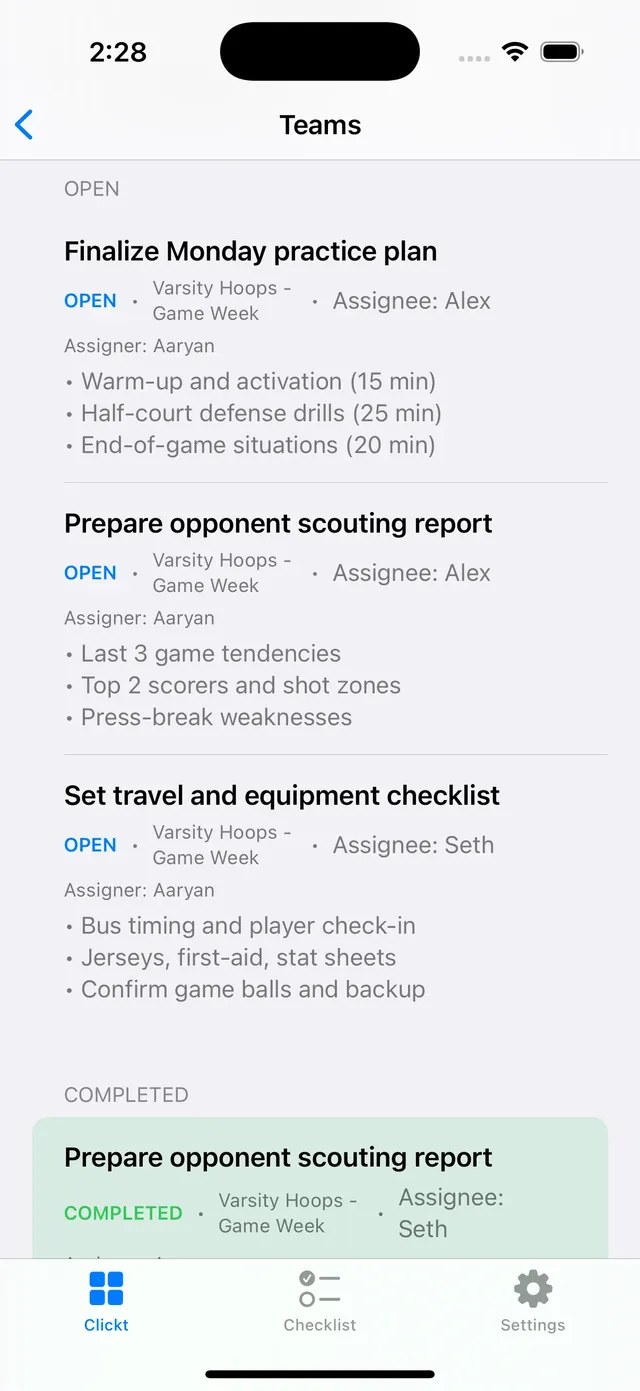

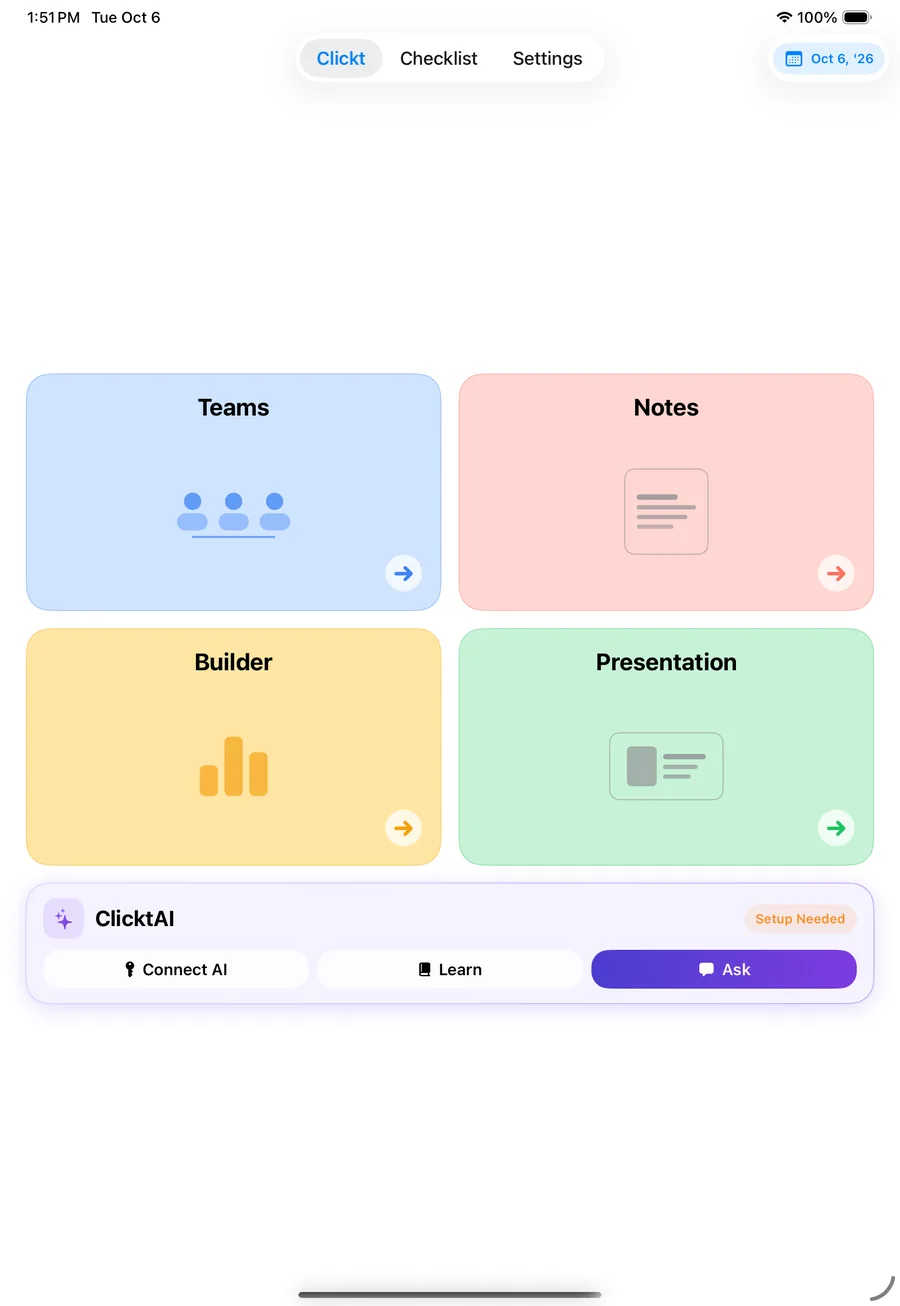
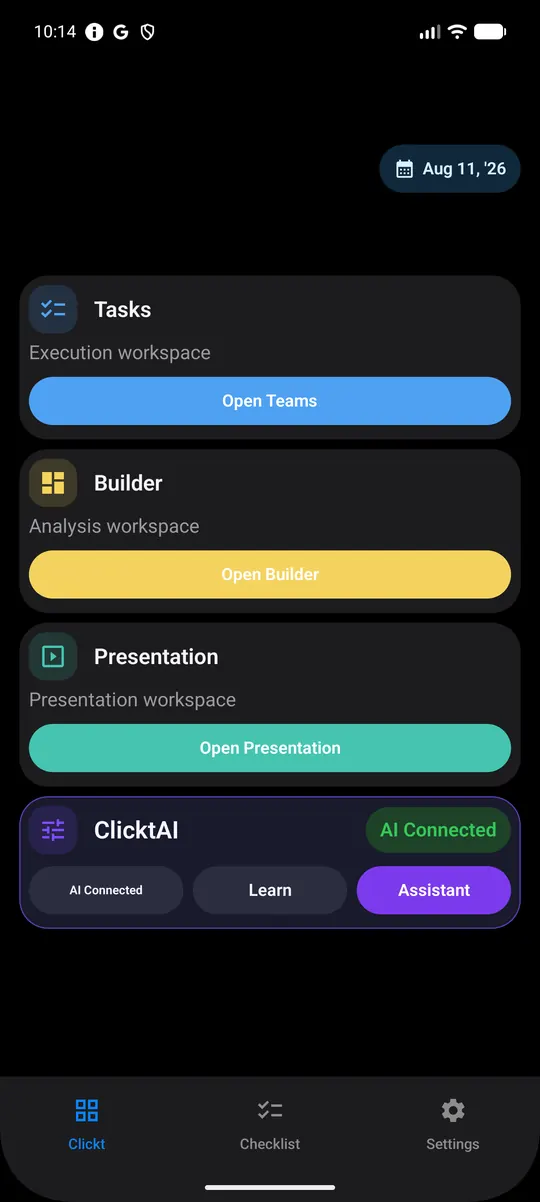
Teams, Notes, Checklist, Builder and Presentation in one workspace. ClicktAI drafts every task, chart and deck for your review, and applies nothing without your approval.
Get ready for our Clickt rollout. Assign the setup tasks, turn the kickoff notes into action items, build the onboarding checklist, chart weekly active users and draft the update for leadership.
Nothing is applied until you approve.
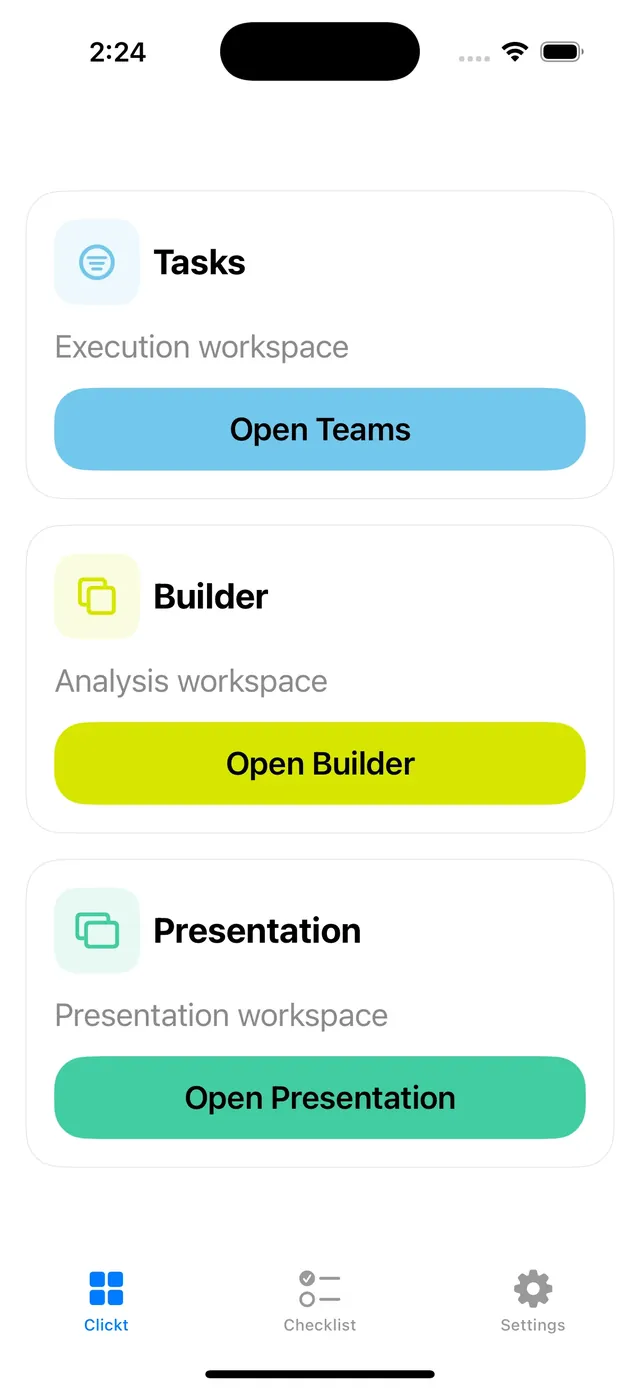
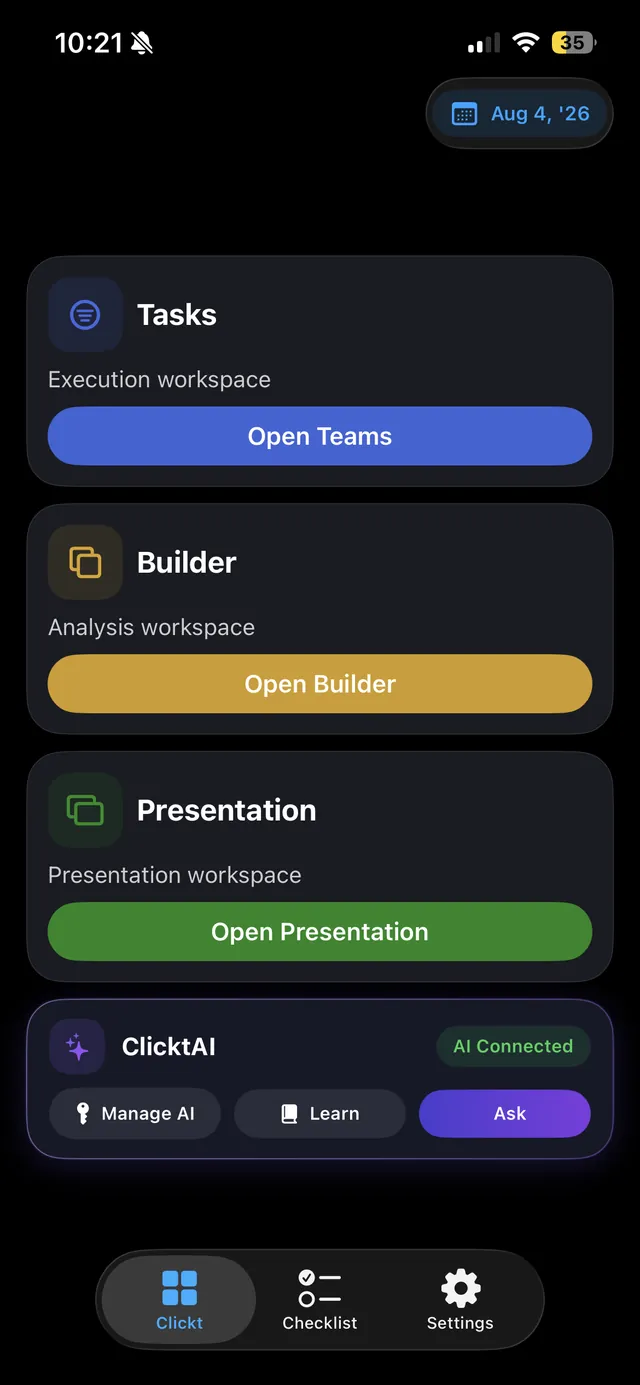
chart types in Builder
built-in presentation themes
AI providers, bring your own key
modules, one workspace
Tell ClicktAI what needs to happen. It prepares the work in the right module, and every date lands on a single calendar.
Direct tasks, claimable tasks, decisions and announcements. Each one has an owner and a status the whole team can see.
Explore TeamsWrite a note, draft one with AI or record a meeting, then extract the work and send it to your Checklist or your Teams.
Explore Notes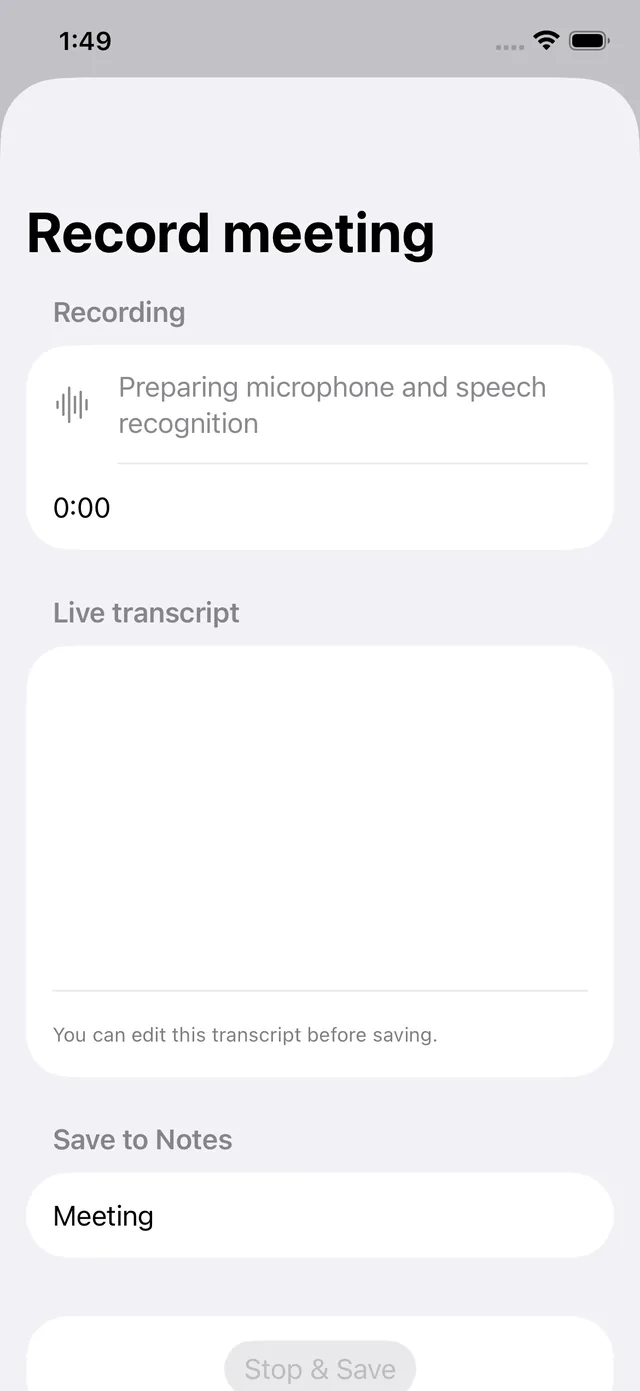
Priorities, deadlines and recurring items, with progress that stays visible until the last box is ticked.
Explore Checklist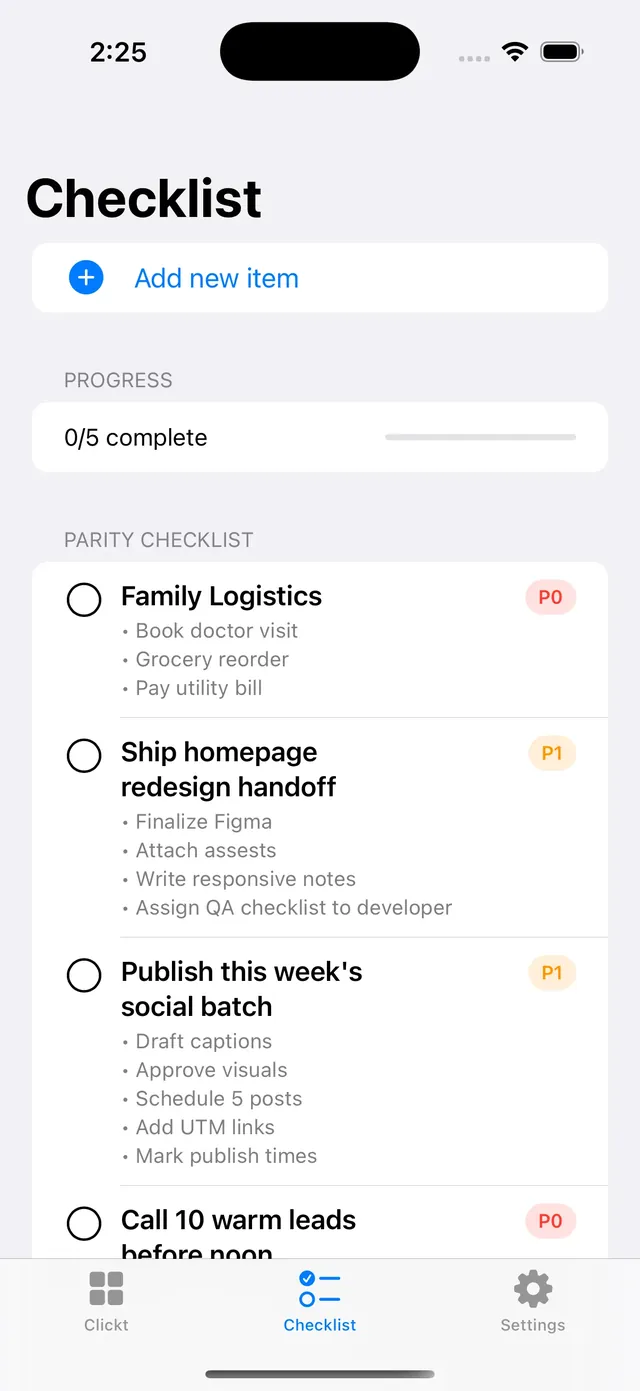
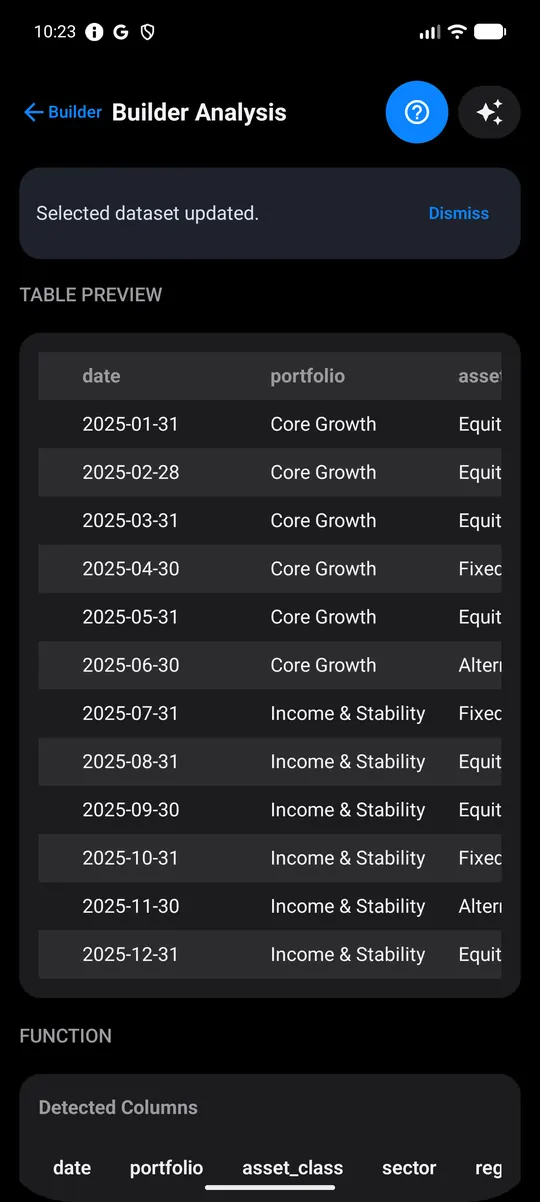
Import a file, run the analysis, and turn it into charts and finished deliverables you can review.
Explore Builder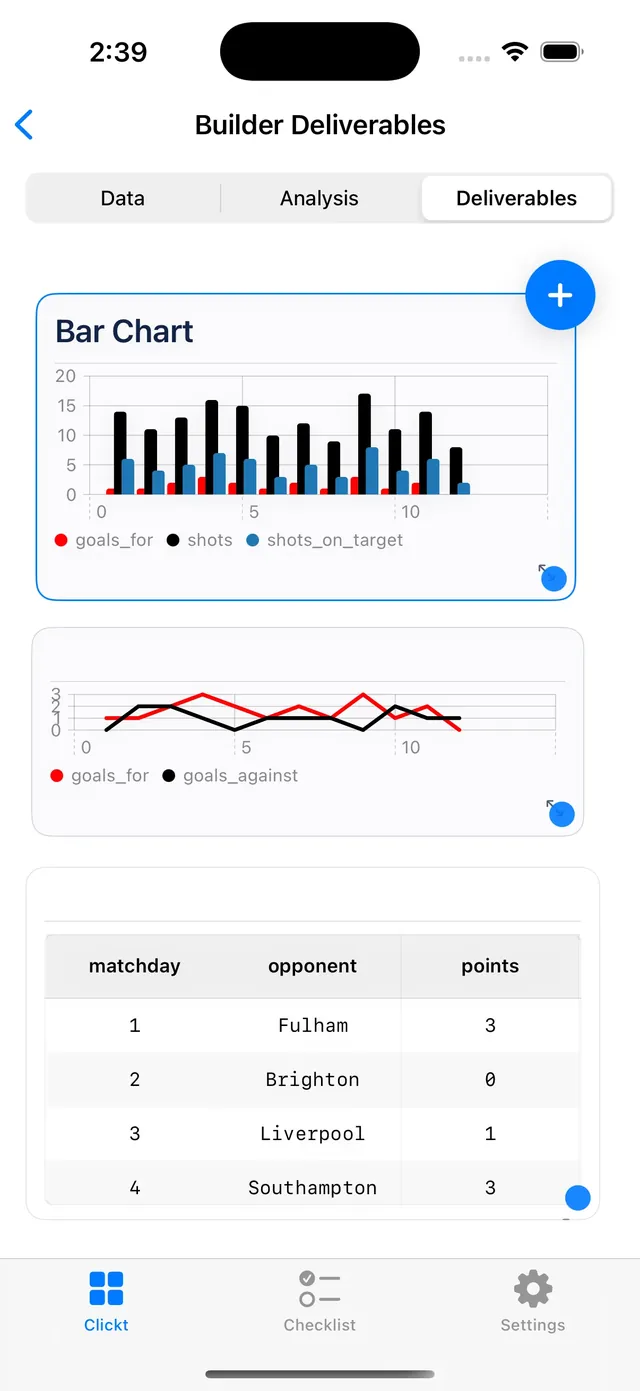
Generate the slides, restyle with designed themes, preview it, then export to PDF or HTML.
Explore Presentation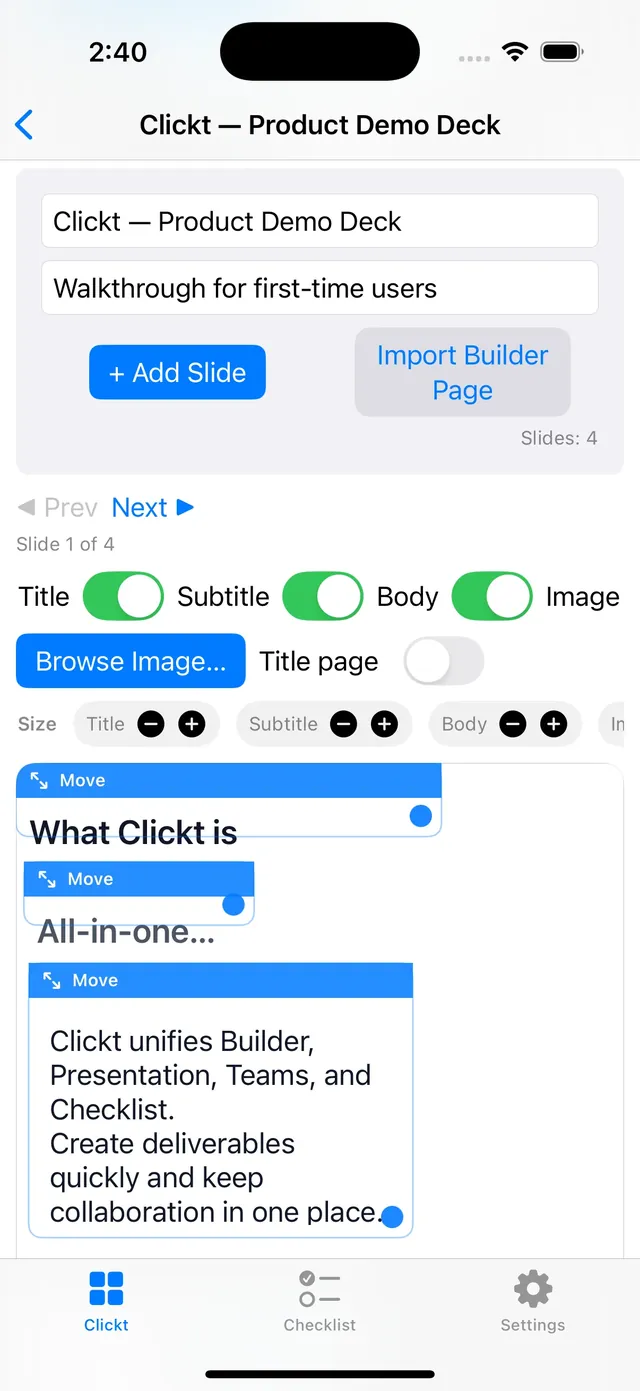
Tasks, checklists and reminders from every module sync to a single calendar automatically.
See it in ClicktAI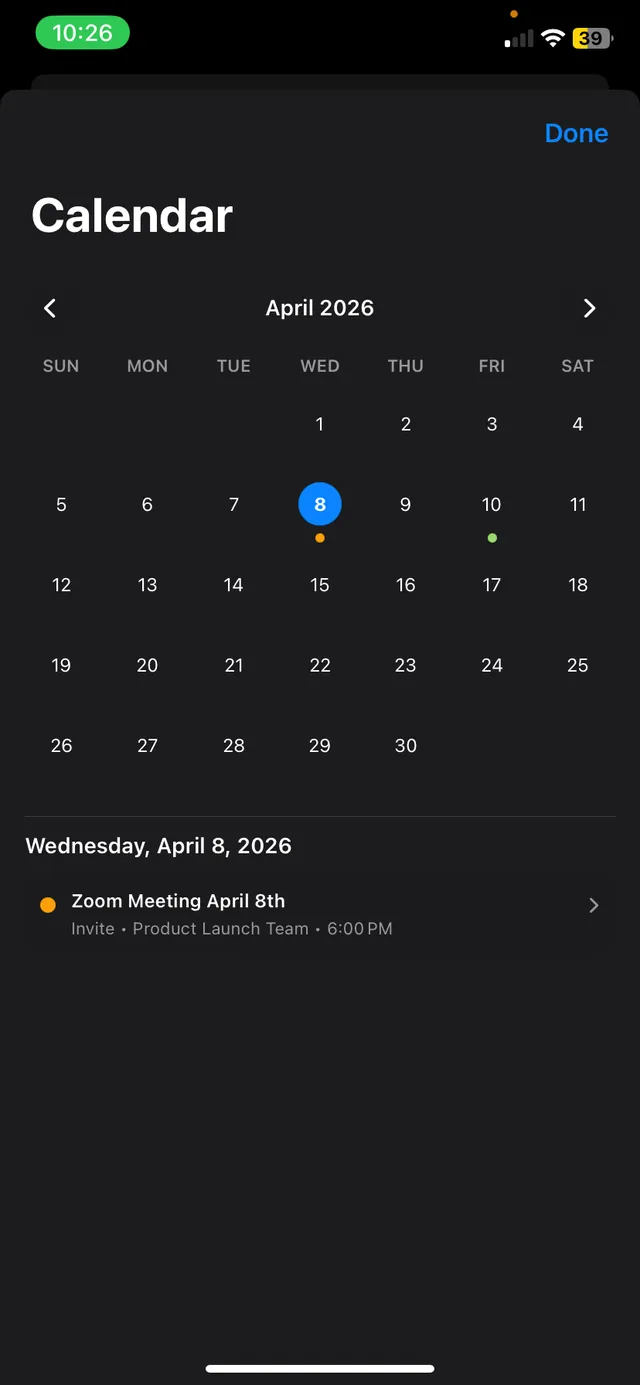
Give work an owner, or leave it open for the team to claim. Reminders handle the follow-up, so nobody has to ask “is this done yet?”.
Claimable · due Friday, 5:00 PM
When two people claim at the same moment, the server picks exactly one winner.
A reminder 15 minutes before it is due, then every 3 hours while it is still open. Follow-ups wait out quiet hours and arrive in one 08:00 digest.
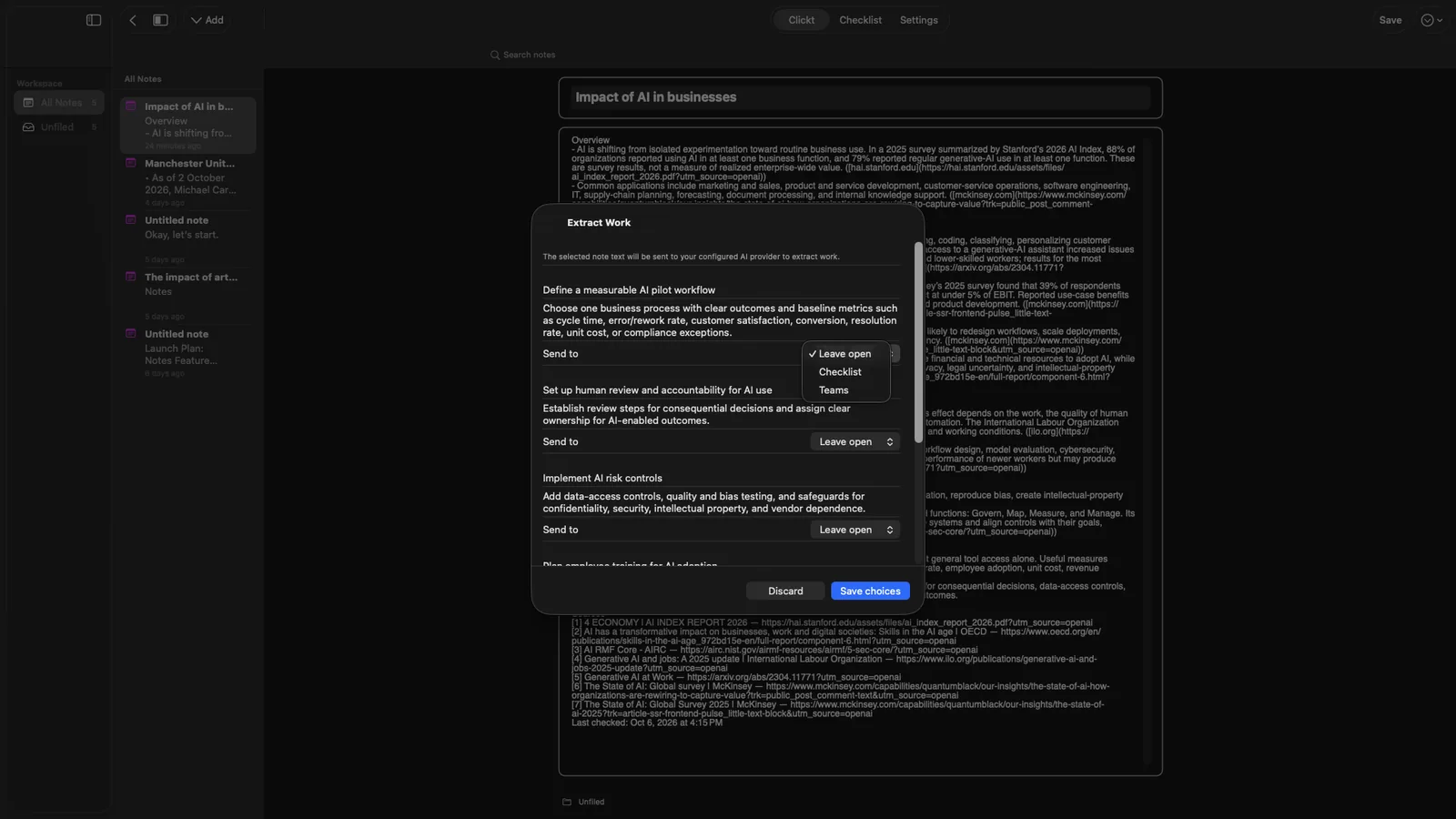
Write it, draft it with AI, or record the meeting. Then extract the work and decide where each item goes: your Checklist, your Teams, or nowhere yet.
Sam will set up the team workspace by Friday. Priya to send the onboarding invites. We should also review the weekly usage numbers before the leadership update.
Review the drafts
Every draft starts as Leave open. Nothing is created until you confirm it.
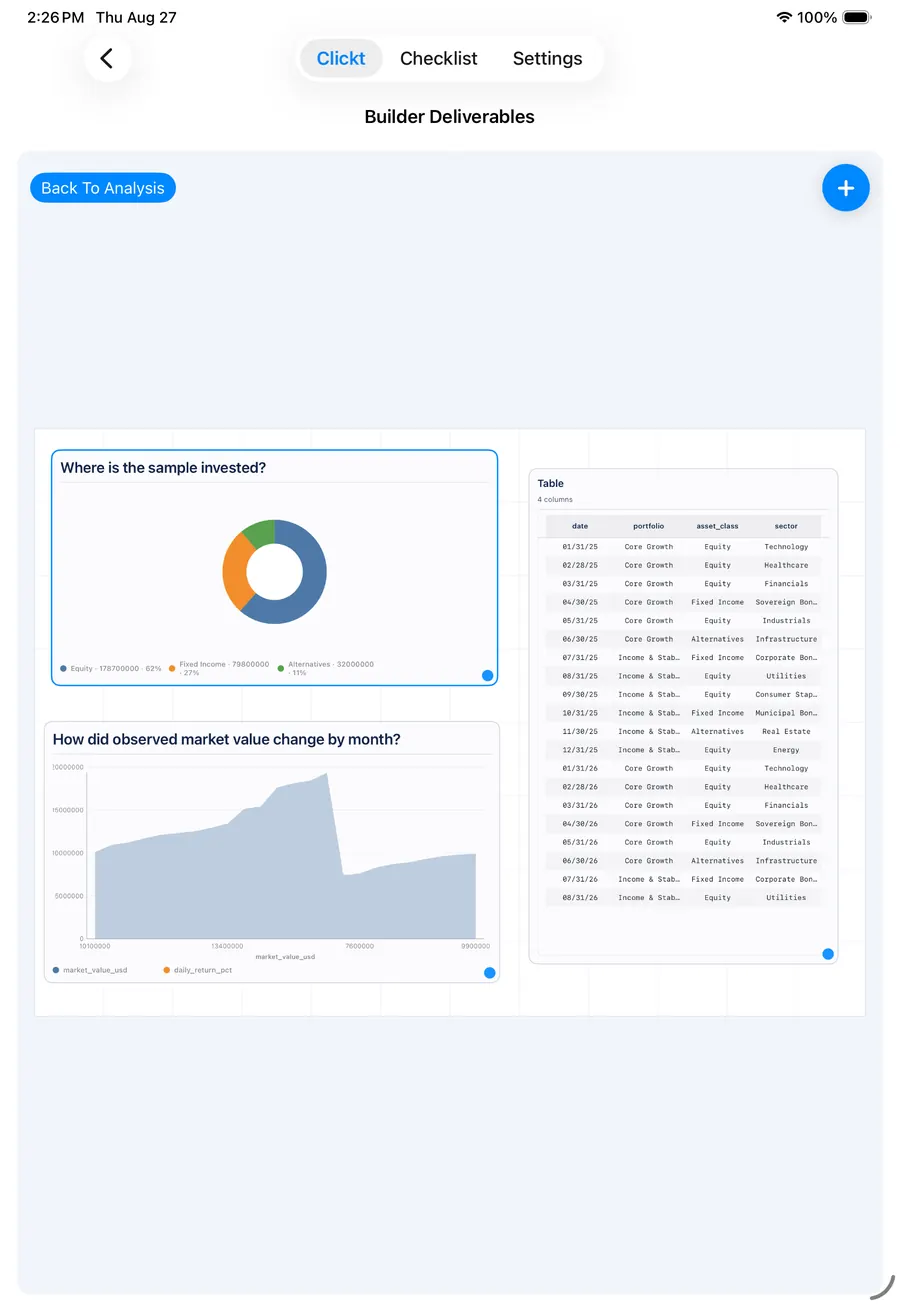
Import a file, run the analysis, then pick the chart that makes the answer obvious. Twelve chart types, one dataset.
| City | Sales (NPR lakh) |
|---|---|
| Kathmandu | 148 |
| Pokhara | 74 |
| Lalitpur | 92 |
| Biratnagar | 52 |
| Butwal | 54 |
12 chart types · Export as PNG, DOC or PPT
Describe the story. ClicktAI drafts the slides. You restyle with designed themes, edit anything, then present it or export it.
Present, or export to PDF or HTML
ClicktAI is built to assist the decision, not make it. Every change is previewed first, unsupported requests get a clear no, and unclear ones get a question.
Add a task for Sam: order the banners.
Book me a flight to Pokhara.
I can’t book flights. ClicktAI only works inside Teams, Checklist, Builder and Presentation.
Here is what I can do:
Want me to start one of these?
Assign the venue task to Sam.
Two teams are called “Launch”. Which one do you mean?
Try it — tap through.
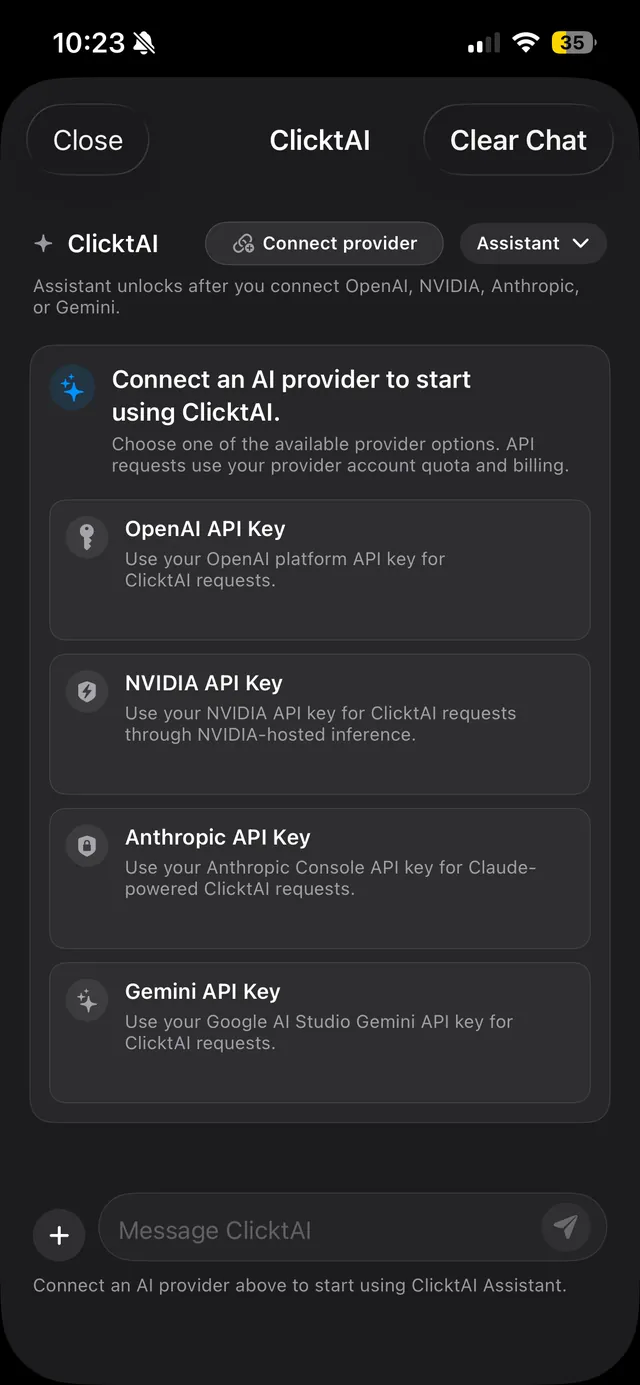
Connect the provider you already use. ClicktAI works with your own key, and usage is billed to your own account.
sk-••••••••••••••••Clickt runs on Apple and Android. Sign in once and your work follows you.
Clickt sits beside the systems you already run, from school-management software to core banking, and makes the work around them clear.
Exam preparation, events, and departmental work, coordinated alongside your school-management system.
Non-clinical maintenance, checks, and shift handoffs, coordinated beside clinical and hospital systems.
Branch-readiness, follow-ups, and management updates, coordinated around core banking systems.
Field follow-up, programme activities, and reporting, connected to donor and M&E systems.
Service recovery, facilities, and shift handoffs, coordinated beside your PMS and booking systems.
Opening, service, and closing routines, coordinated alongside your POS and inventory systems.
Site follow-up, snag resolution, and procurement, coordinated alongside project and accounting systems.
Business is priced in NPR for organisations in Nepal.
See plansClick T builds custom software around how your organisation actually works: websites, mobile apps, internal workflow systems, data platforms, integrations and AI-enabled tools, for organisations in Nepal and abroad.
Already using an ERP, CRM, MIS or booking platform? We do not need to replace what works. We build the missing workflow, integration or application around it.
Hey - I'm Aaryan, founder of Click T Pvt. Ltd. Clickt is designed and built by Click T and we also build custom software for different organizations as well. Write to us any time at clickt@click-t.com - I read every message.
Start with one project. Clickt does the setup, you make the calls.