Works across modules
One request can connect work that would otherwise be rebuilt separately in Teams, Checklist, Builder, and Presentation.
 Clickt
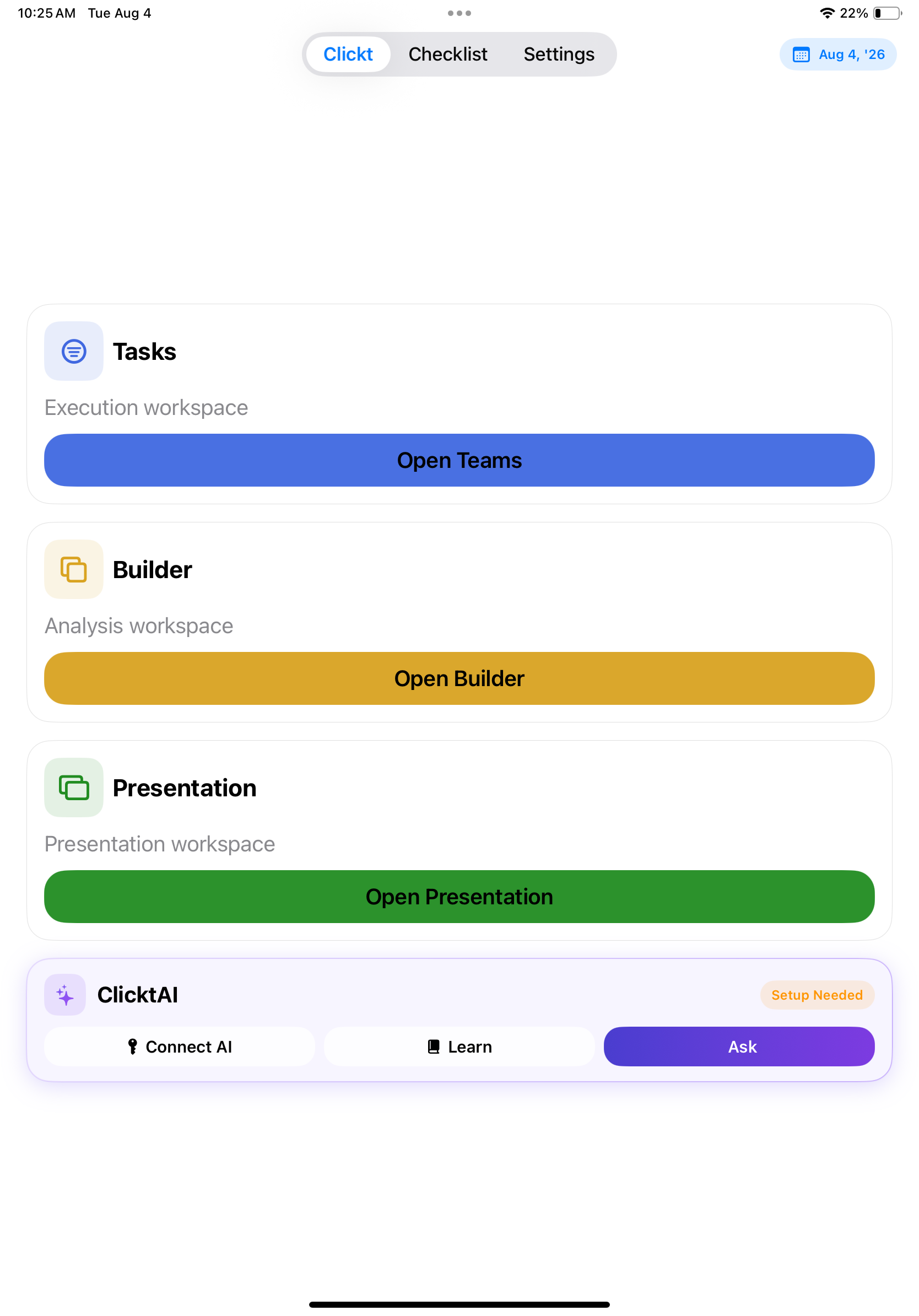
ClicktAI
ClicktAI prepares useful work across your workspace—plans, tasks, checklists, charts, and presentations—then leaves the final decision with you.
Connect your own OpenAI, Anthropic, Google Gemini, or NVIDIA API key—your key, your usage, your quota.
Set up our next project launch and make a leadership update.
Nothing is applied until you review and approve it.
One request can connect work that would otherwise be rebuilt separately in Teams, Checklist, Builder, and Presentation.
See the intended work before it is created, with a clear distinction between a draft and an applied change.
ClicktAI is designed to assist the decision, not quietly make it for you.
A simple flow
Use the same deliberate sequence whether you are preparing a small task or an organization-wide plan.
Describe what needs to happen in everyday language.
ClicktAI drafts a proposal in the right module.
Check the proposed owners, steps, data, or story.
Approve only the work you want in your workspace.
One practical example
Ask for a launch plan, then review a draft with tasks for the team, a repeatable checklist, a metrics view, and a presentation outline. The proposal makes a cross-functional request concrete without removing your judgment.
See the connected workflowClicktAI is available inside Clickt on iPhone, iPad, Mac, and Android.
Download Clickt