Manage team membership
Create teams, work with members, and keep membership requests and team context in one place.
 Clickt
Teams
Teams gives people one shared place for membership, tasks, decisions, and announcements—so the next step has a visible owner and status.
Released on Apple and Android platforms
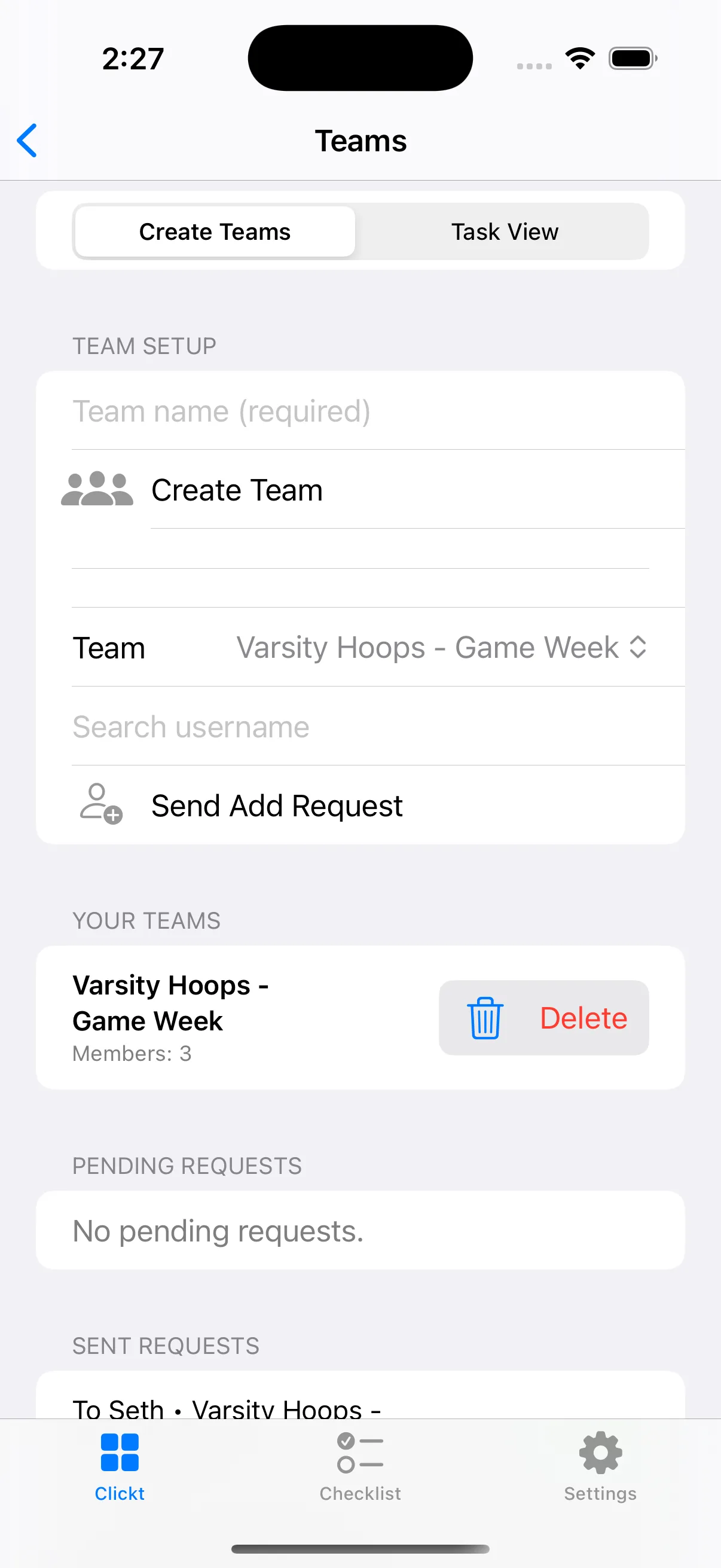
What Teams does
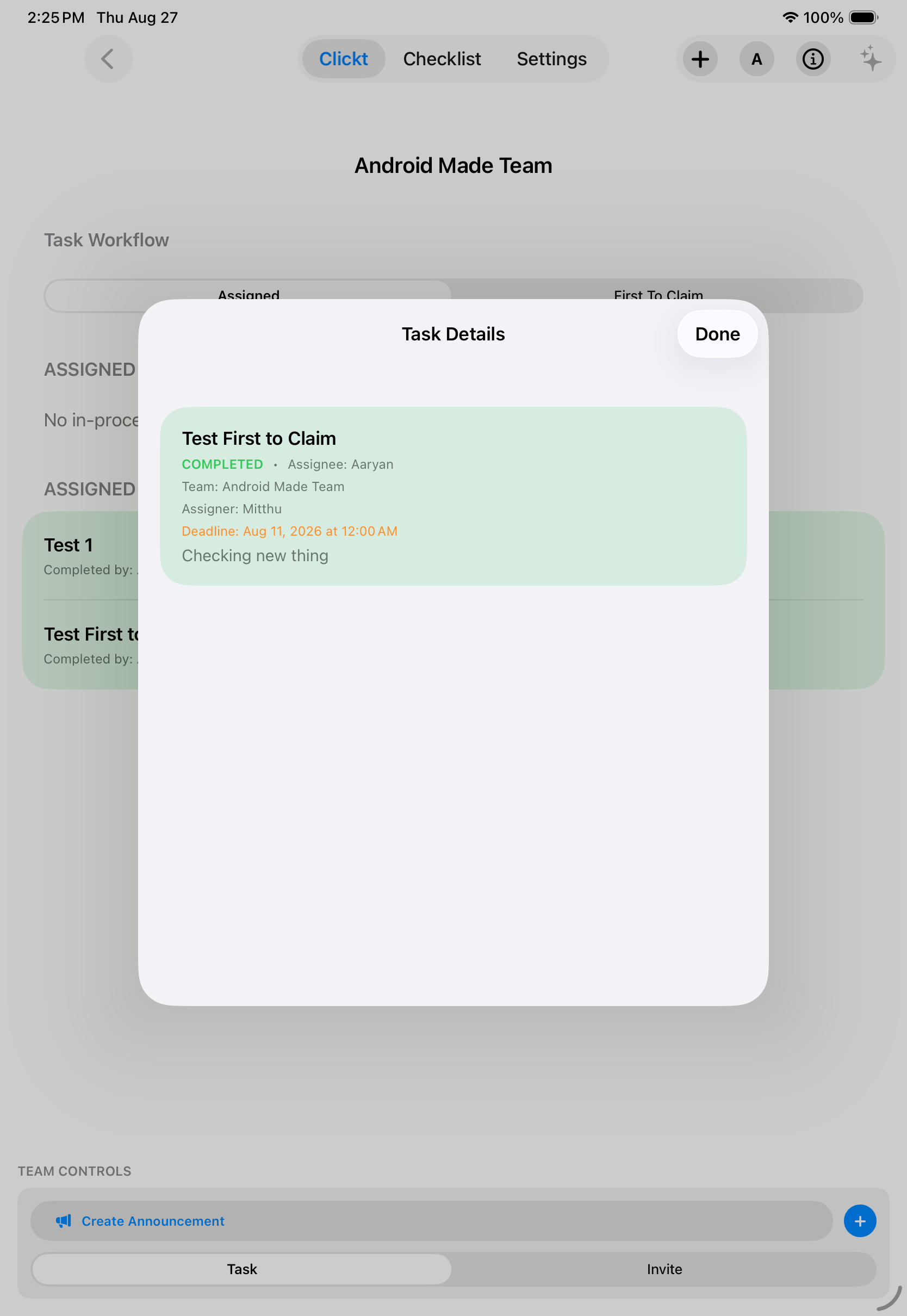
Teams keeps the core coordination objects together without asking people to reconstruct the story across messages and separate trackers.
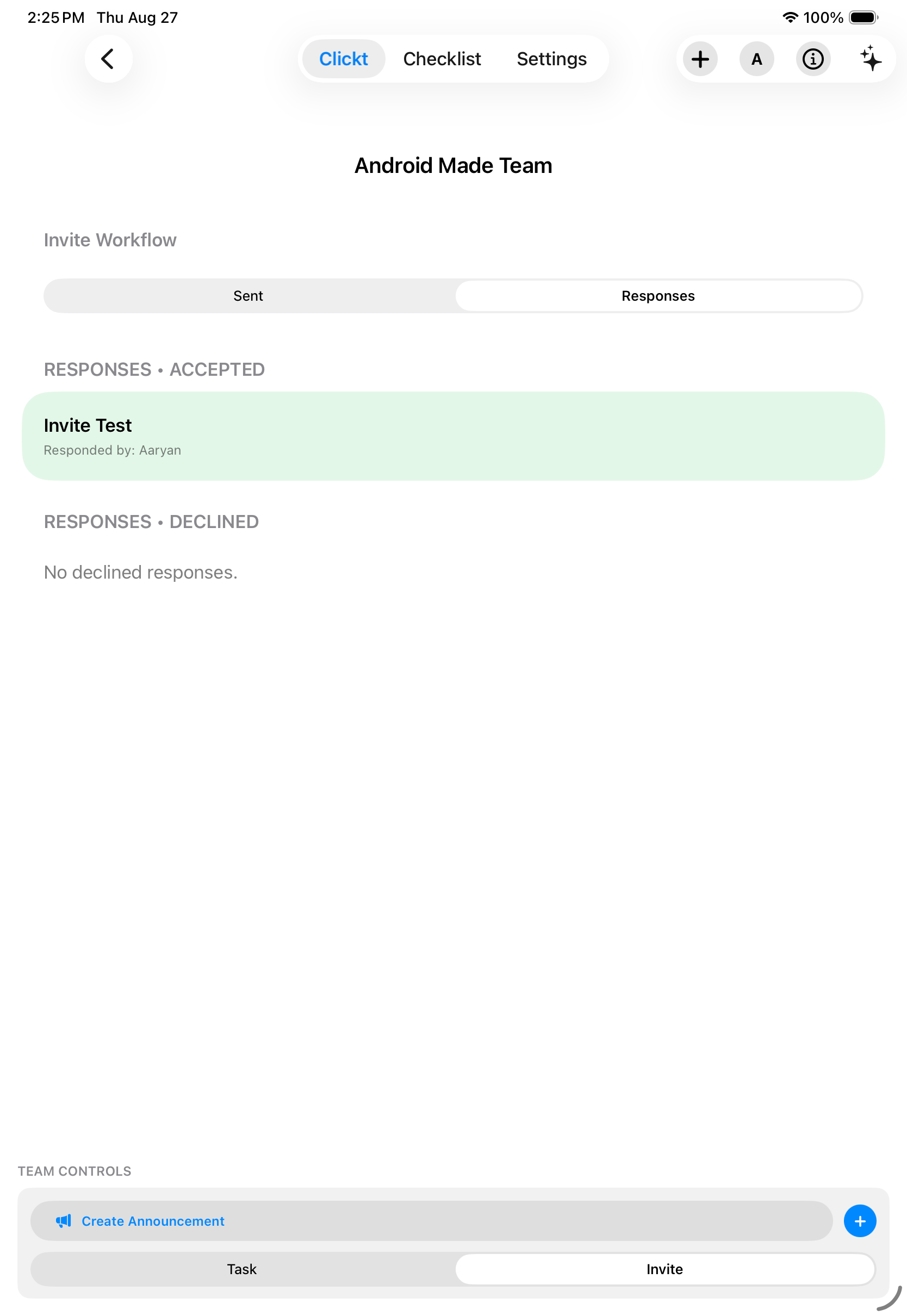
Create teams, work with members, and keep membership requests and team context in one place.
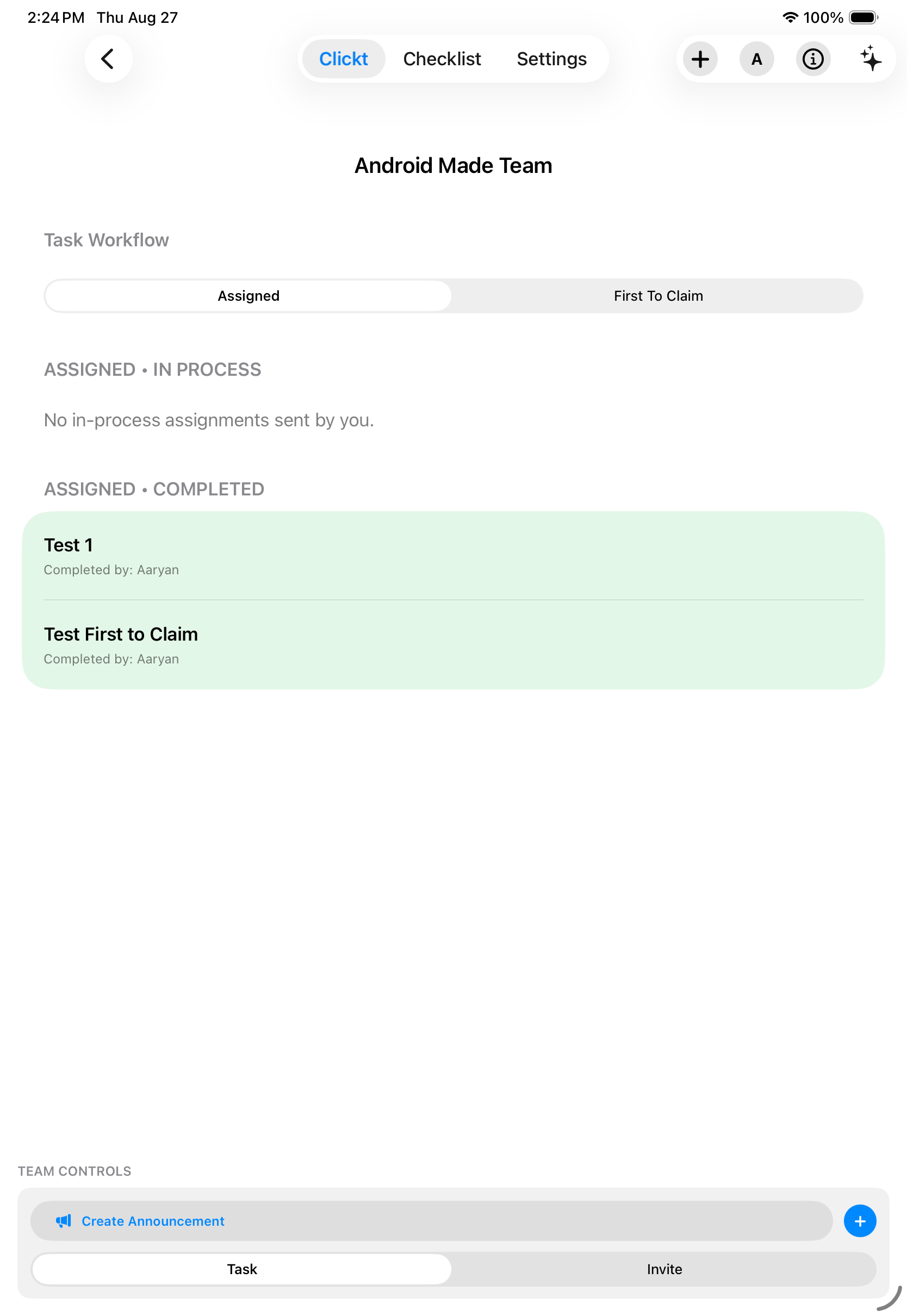
Create direct tasks for a person or share claimable work that a team member can take on.
Use decision flows and announcements alongside the work they affect instead of losing them in a separate thread.
Review owners, deadlines, and task statuses so a team can focus its next conversation on what needs attention.
Tasks with a deadline get a reminder 15 minutes before it’s due, then a follow-up every 3 hours for as long as it’s still open—and the reminders stop the moment it’s marked done. Instead of messaging someone to ask “is this done yet?”, you check the team view. Less status-chasing, more actual work.
Use the same simple sequence whether you are coordinating a project, a department, or a recurring operational handoff.
Create the group and establish the people who need to see its work.
Add a direct task, a claimable task, an announcement, or a decision request.
Assign work or let the right teammate claim it, with an understandable deadline and status.
Use the team view to see progress and decide what needs a follow-up.
ClicktAI in Teams
ClicktAI can help prepare proposed team work in context. You review the draft before it is added, so it stays clear what is proposed and what is actually live.
YouPrepare follow-up work for our project launch team.
Nothing is added until you review and approve the proposal.
See the team context
Rather than treating a task list as the whole story, Teams brings membership, activity, and shared follow-through into the same working context.
Next: turn follow-through into a checklist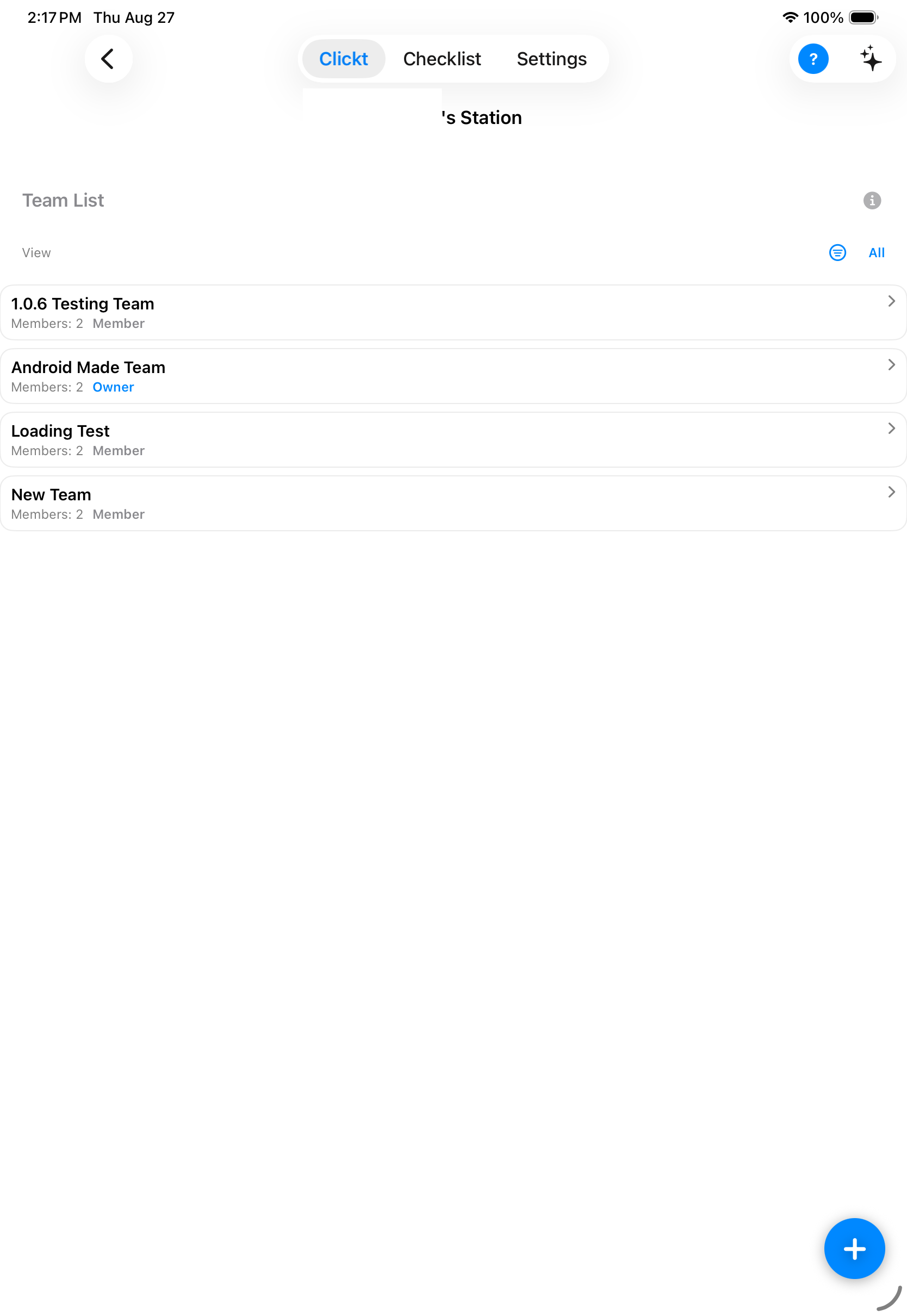
Start with the work in front of you
Teams is available in Clickt on Apple and Android platforms.